Tutorial videos from one sentence. This sentence made the video below:
“Search Wikipedia for Ada LovelaceI and open the section about the Analytical Engine.II·III”
- Type “Ada Lovelace” into the search box and press Enter.type · searchbox
- Click the link “Analytical engine”.click · link
- Wait until “Analytical engine” is on screen. Hold the final frame for 2.5 seconds.wait · text, hold 2.5
Click a step to jump to that moment in the video.
AI is only needed for the first run
The first time, an AI agent uses the page like a person would. It writes every step into a text file, the step file.
From then on, demo-recorder replays that file. It costs nothing and looks the same every time. If the page changes, you simply record the video again.
The agent may only report “done” once a specific text is really on screen. Otherwise it has to keep going.
# wikipedia.yaml, written by the agent
start: https://en.wikipedia.org
steps:
  - type:
      into: { role: searchbox,
              name: Search Wikipedia }
      text: Ada Lovelace
      enter: true
  - click: { role: link,
             name: analytical engine }
  - wait: { text: Analytical\s+engine }
- hold: 2.5Write down
The agent clicks through and records every step that does something.
Replay
The steps run in a real Chrome. Each one waits until the page is ready.
Cut
Cursor, zoom on every click, time lapse while loading, private areas blurred. Out come WebM and MP4.
Every frame comes from a real run
These frames are from the video above. demo-recorder makes a sheet like this for every video, so you can check what is visible before you publish.
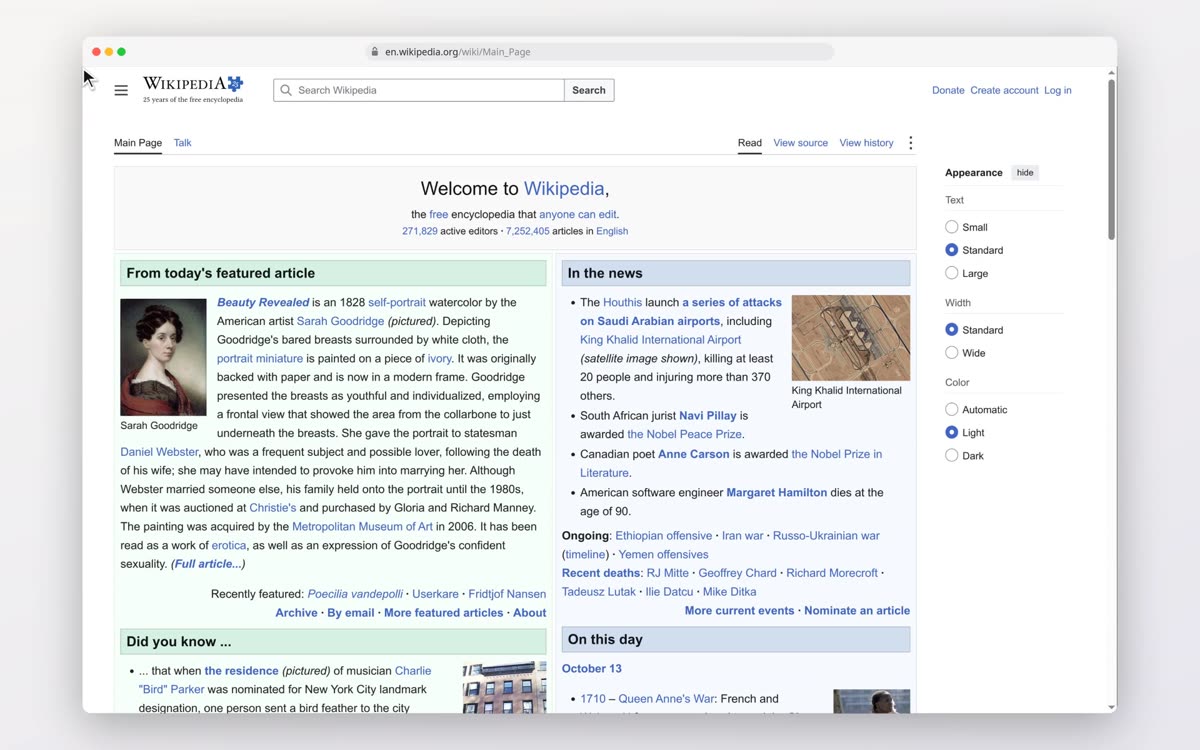
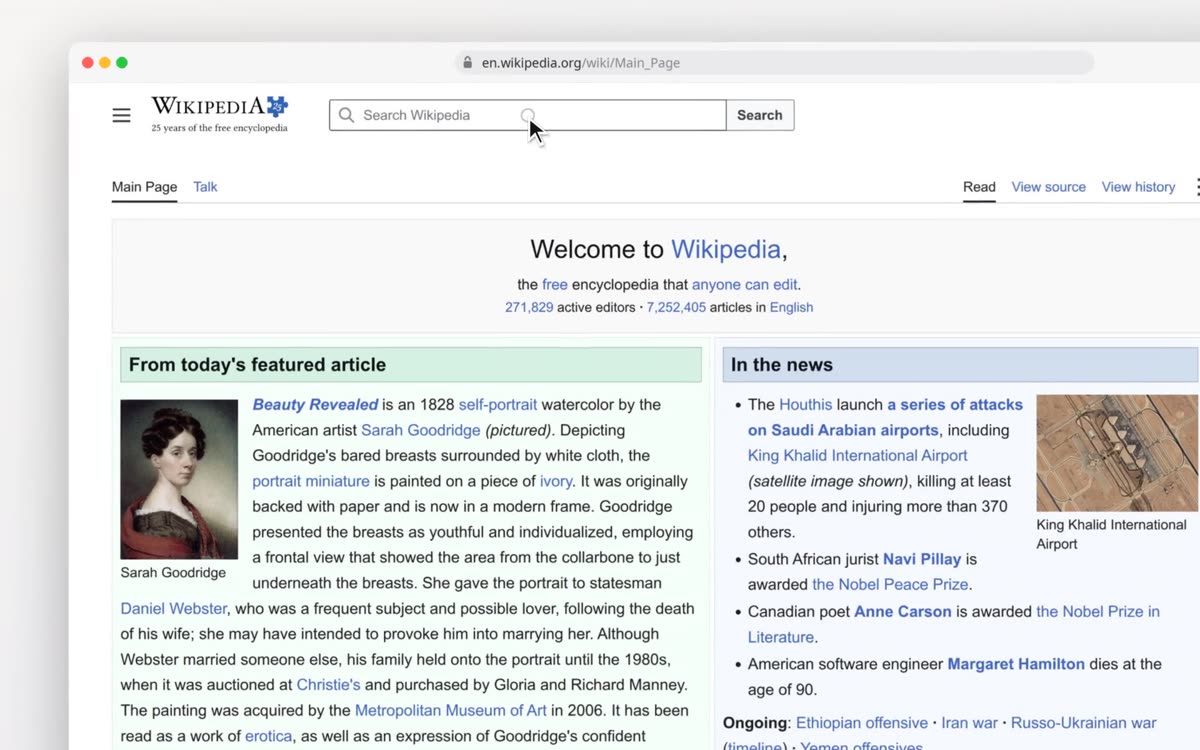
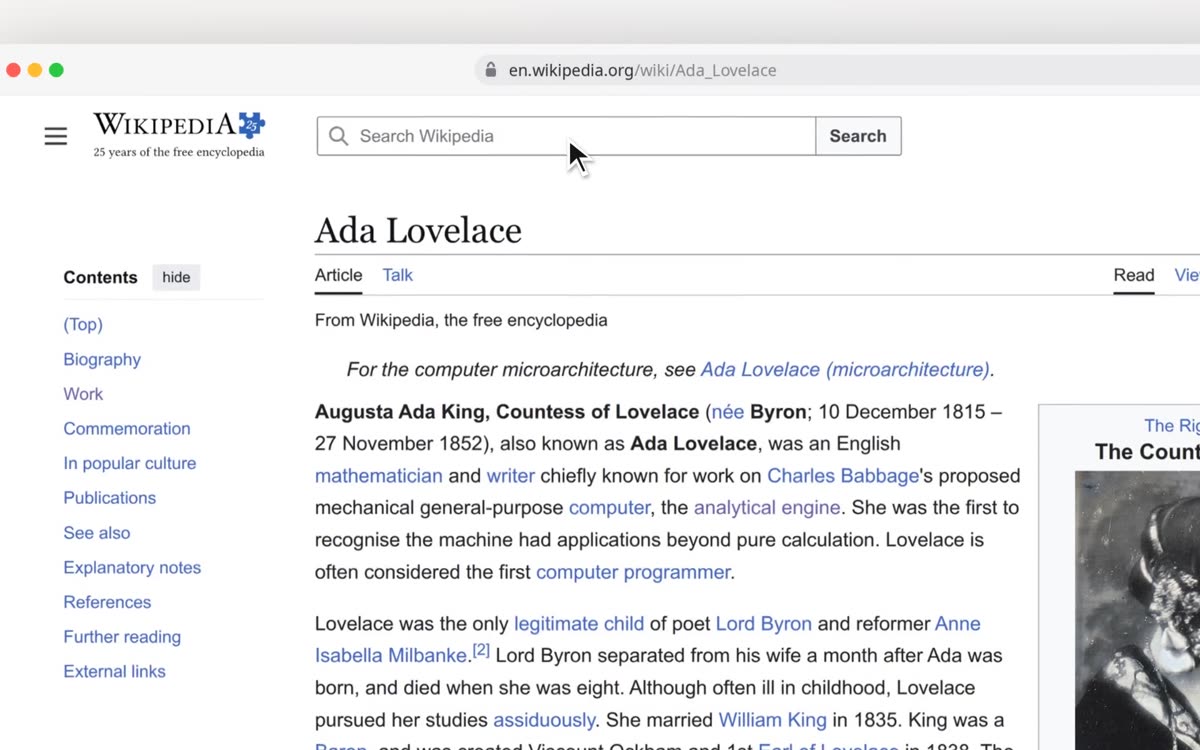
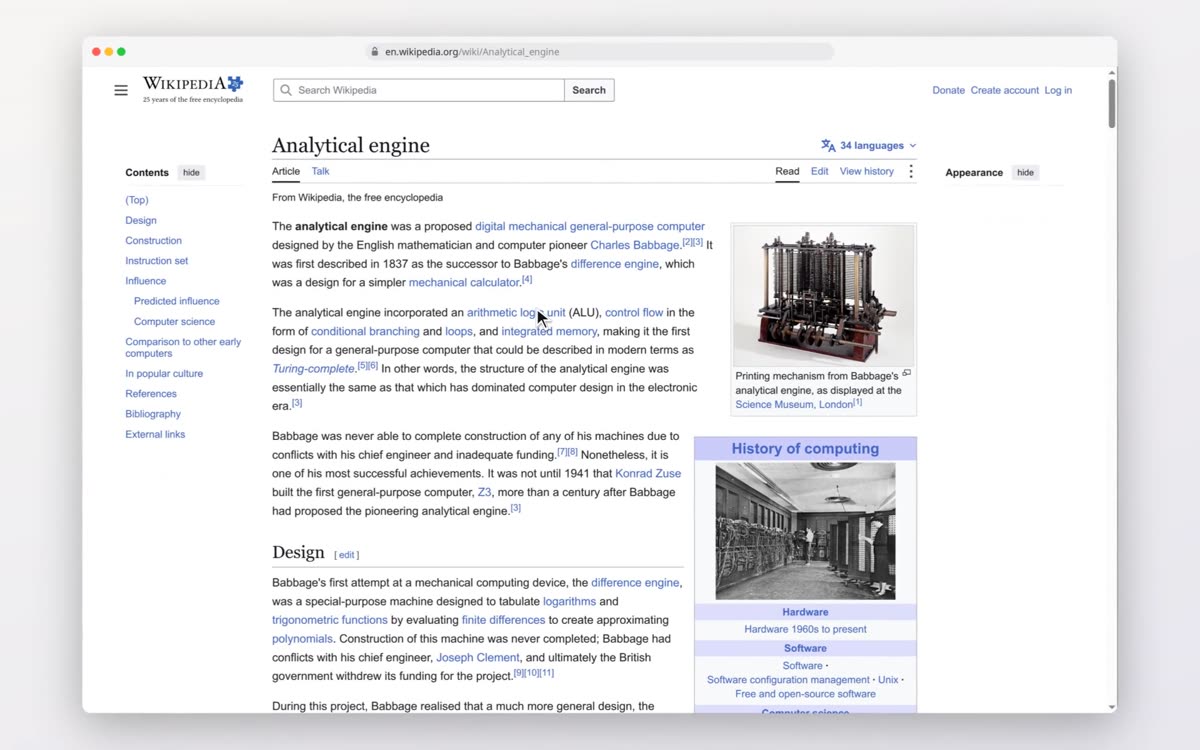
Swipe or scroll sideways. Hover over a frame to see it in colour.
Works in the terminal too
“Create a new git repository, add a README with one line, commit it and show the log.”
The agent types the commands. demo-recorder records them in a terminal window of its own.
You set the name and email shown in the video beforehand. Your real details never appear.
What it costs
The step file for Wikipedia cost $0.0016 in AI and took 55 seconds. Every replay after that costs $0. In the last test run the agent solved 15 out of 15 tasks.
Measured on 12 and 13 October 2026 with the model qwen3.7-flash. The test tasks are five local practice pages, each run three times.
What the agent won't do
It never signs in
When a login appears, it stops and tells you what to do. It is instructed never to enter a password or a code.
It never deletes or pays
The tool refuses buttons like Delete, Pay or Reset until you explicitly allow them.
It never publishes
The step file is plain text and the contact sheet shows every frame. You decide what goes online.
Which video do you need first?
demo-recorder is in early access. Tell me the first video you need and I'll get back to you personally.